> ## Documentation Index
> Fetch the complete documentation index at: https://docs.prosights.co/llms.txt
> Use this file to discover all available pages before exploring further.
# Try it Out
> Try ProSights without any code. Gauge our extraction performance instantly.
The Canvas playground is the fastest way to try ProSights. Within minutes, you can:
* **Explore Examples:** open common examples of documents and see how extraction, auditing, and formatting works.
* **Upload Your Own Files:** extract text, tables, and charts from PDFs and images.
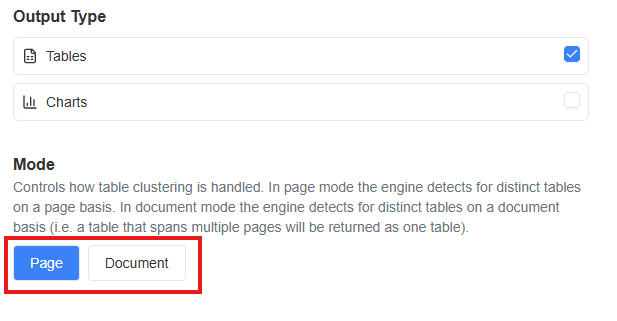
* **Experiment with Different Modes:** switch mode type between "page" *(detects tables separately on each page)* and "document" *(concatenates tables that span multiple pages into one)*.
***
## 1. Get Started
Visit [canvas.prosights.co](http://canvas.prosights.co) and enter your API key.
> **How to get an API key:**
>
> * Visit [https://prism.prosights.co](https://prism.prosights.co)
> * Navigate to **API keys** section and generate new key
***
## 2. Explore Examples *(Optional)*
Coming Soon...
***
## 3. Upload Your Own Files
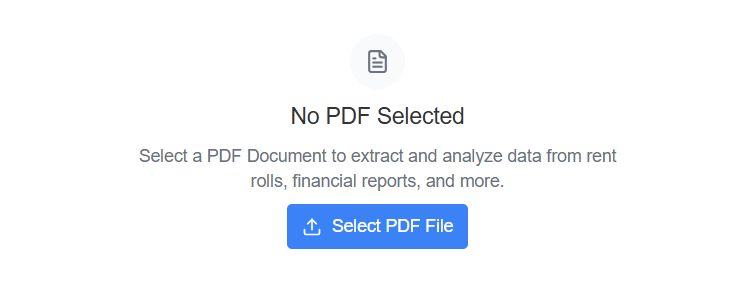
Upload a PDF or image to test our table and chart extraction. Once uploaded, click **Continue** and wait approximately **30–90 seconds** for extraction results.
 ***
## 4. View Results
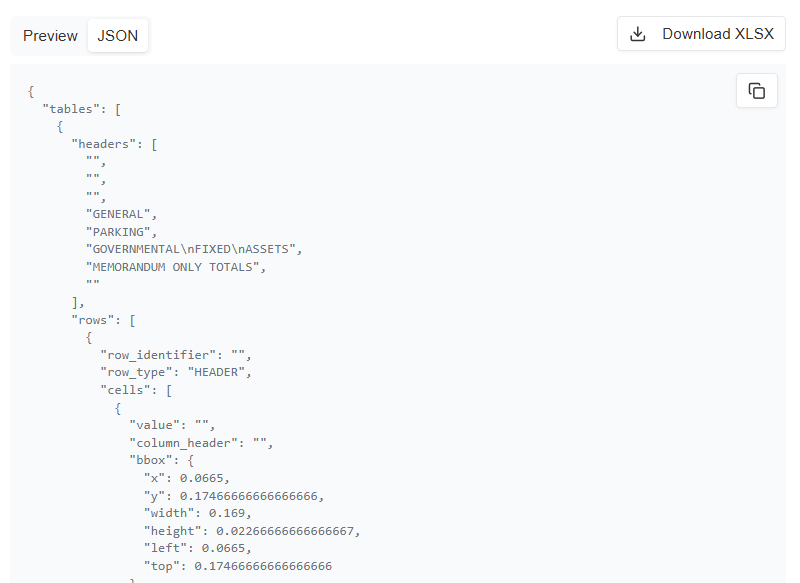
We give you three ways to check our accuracy: **table preview**, **JSON**, and **Excel file download**
***
## 4. View Results
We give you three ways to check our accuracy: **table preview**, **JSON**, and **Excel file download**
 ***
## 5. Experiment with Different Modes *(Optional)*
Switch mode type between **"page"** *(detects tables separately on each page)* and **"document"** *(concatenates tables that span multiple pages into one)*.
***
## 5. Experiment with Different Modes *(Optional)*
Switch mode type between **"page"** *(detects tables separately on each page)* and **"document"** *(concatenates tables that span multiple pages into one)*.